 Busimy
Free household budget template (for Excel and Google Sheets)
A household budget template is a table with the household income, the spending categories, how much you plan to spend on each and what you actually spent. Download the one below for free (it works in Excel and Google Sheets) and fill it in once a month.
What's in the template
| Category | Budget | Actual | Difference |
|---|---|---|---|
| Rent or mortgage | |||
| Utilities | |||
| Groceries | |||
| Transport | |||
| Health | |||
| Education | |||
| Going out and delivery | |||
| Subscriptions | |||
| Savings |
How to fill it in
- At the top, each household member's net income.
- Under "Budget", how much you plan to spend per category. The total shouldn't exceed income.
- During the month, under "Actual", what you spent.
- At month end, check the difference and adjust next month.
The spreadsheet's limit
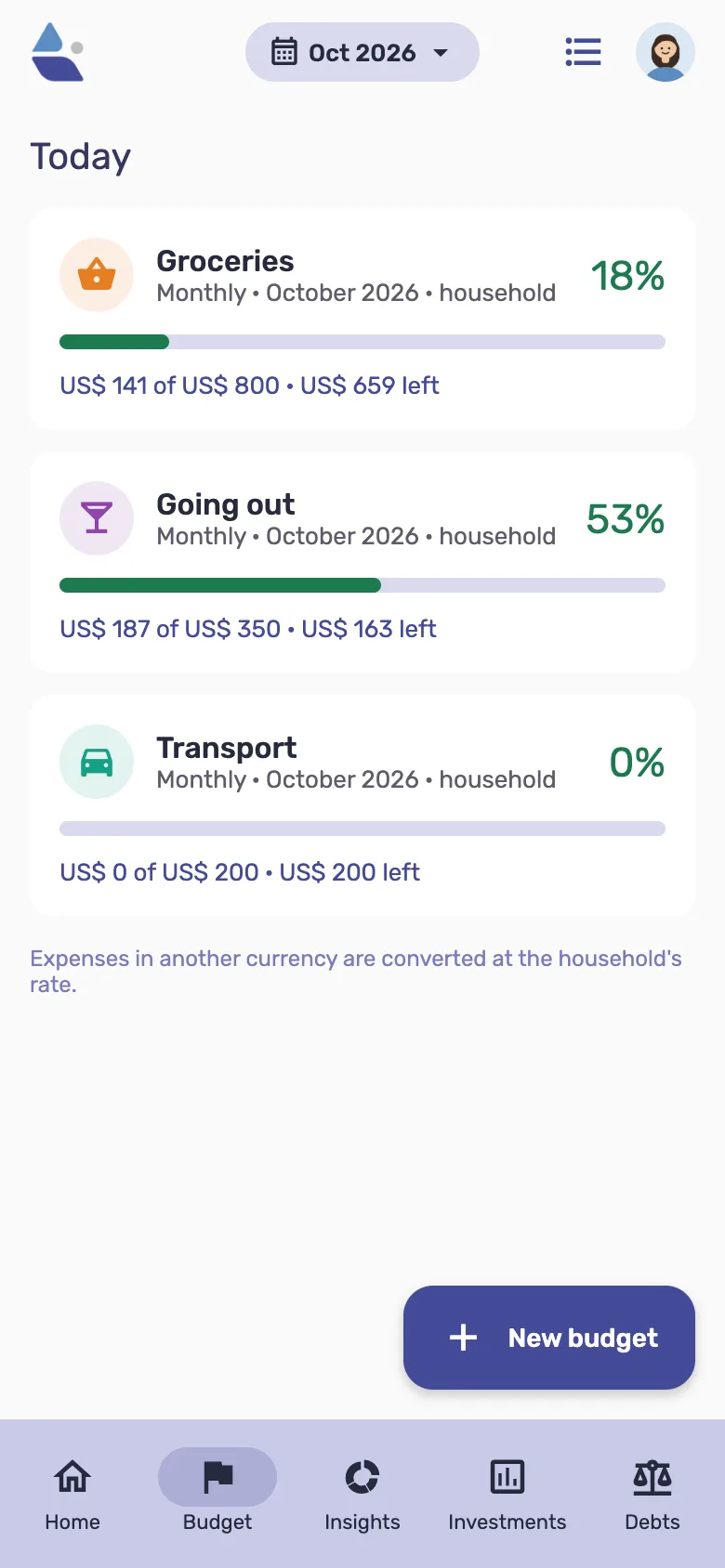
A spreadsheet works while someone keeps it up. In Busimy everyone records from their phone, budgets per category update by themselves and the app warns you when a category gets close to its limit.
Frequently asked questions
- Is the template free?
- Yes, download it without signing up.
- How often should I check it?
- Weekly to see how you are doing, and at month end to adjust the budget.