
For couples, families and roommates
Your household's money, clear for everyone.
Share expenses with your partner, your family or whoever you live with: each one records what they pay and Busimy tells you who owes whom. With budgets, investments and debts, in the currency you use, in any country.
Create my free accountThis is Busimy
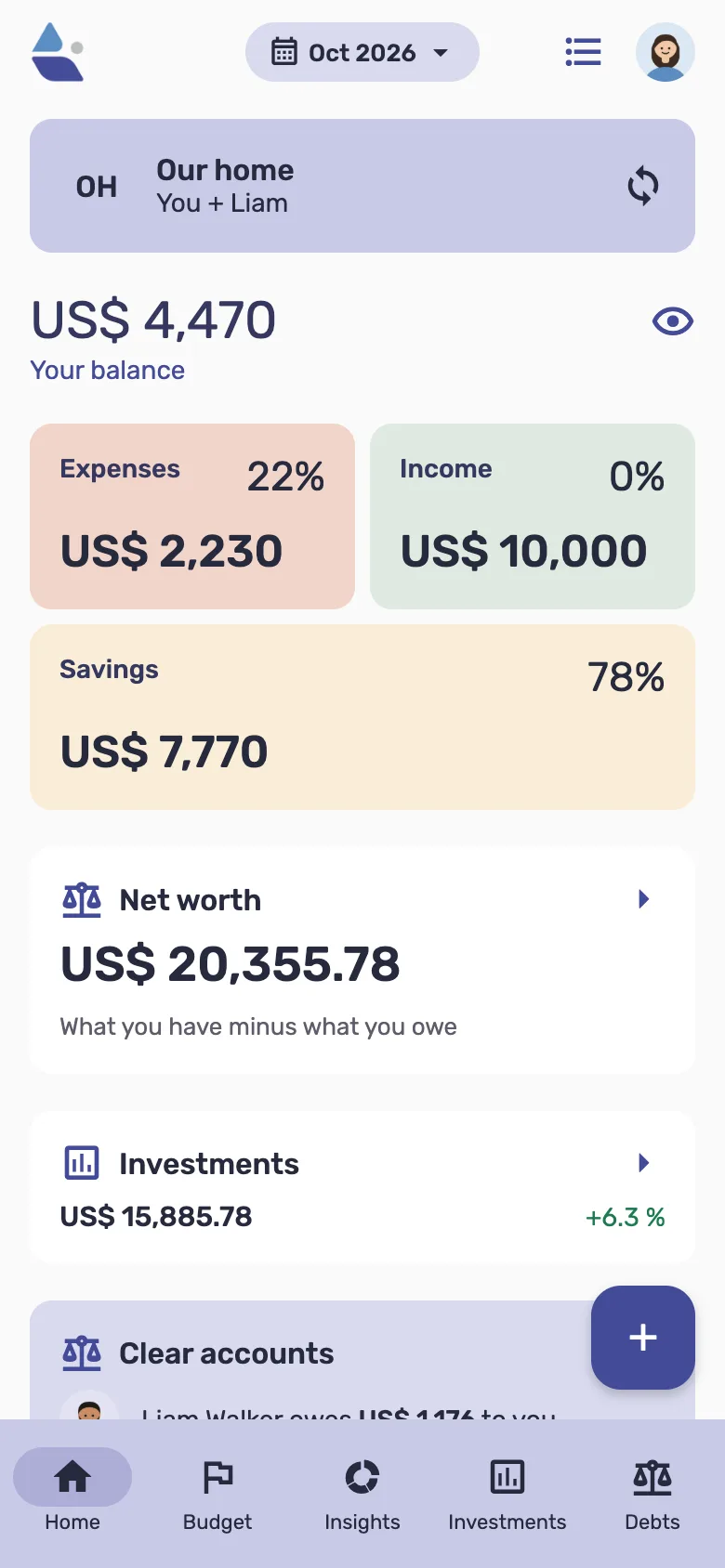
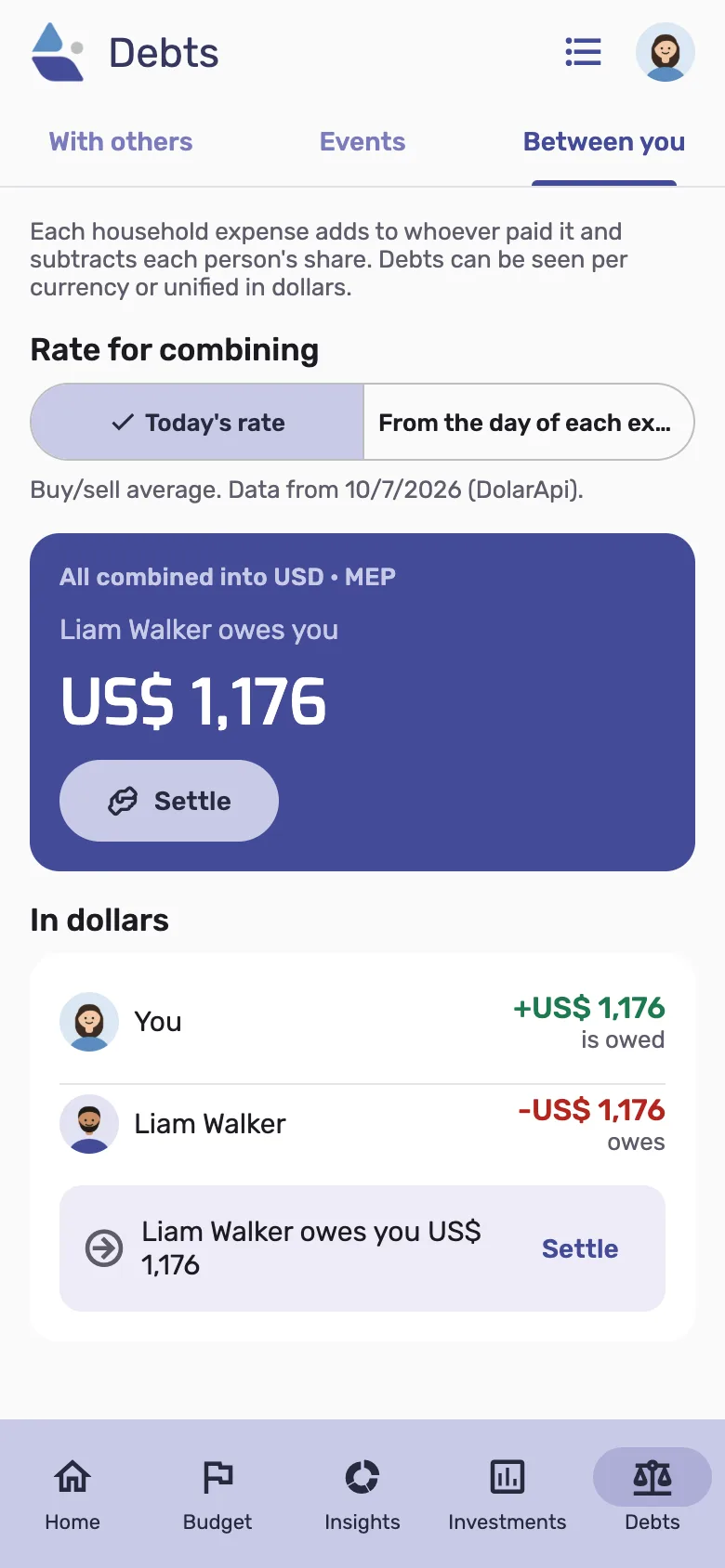
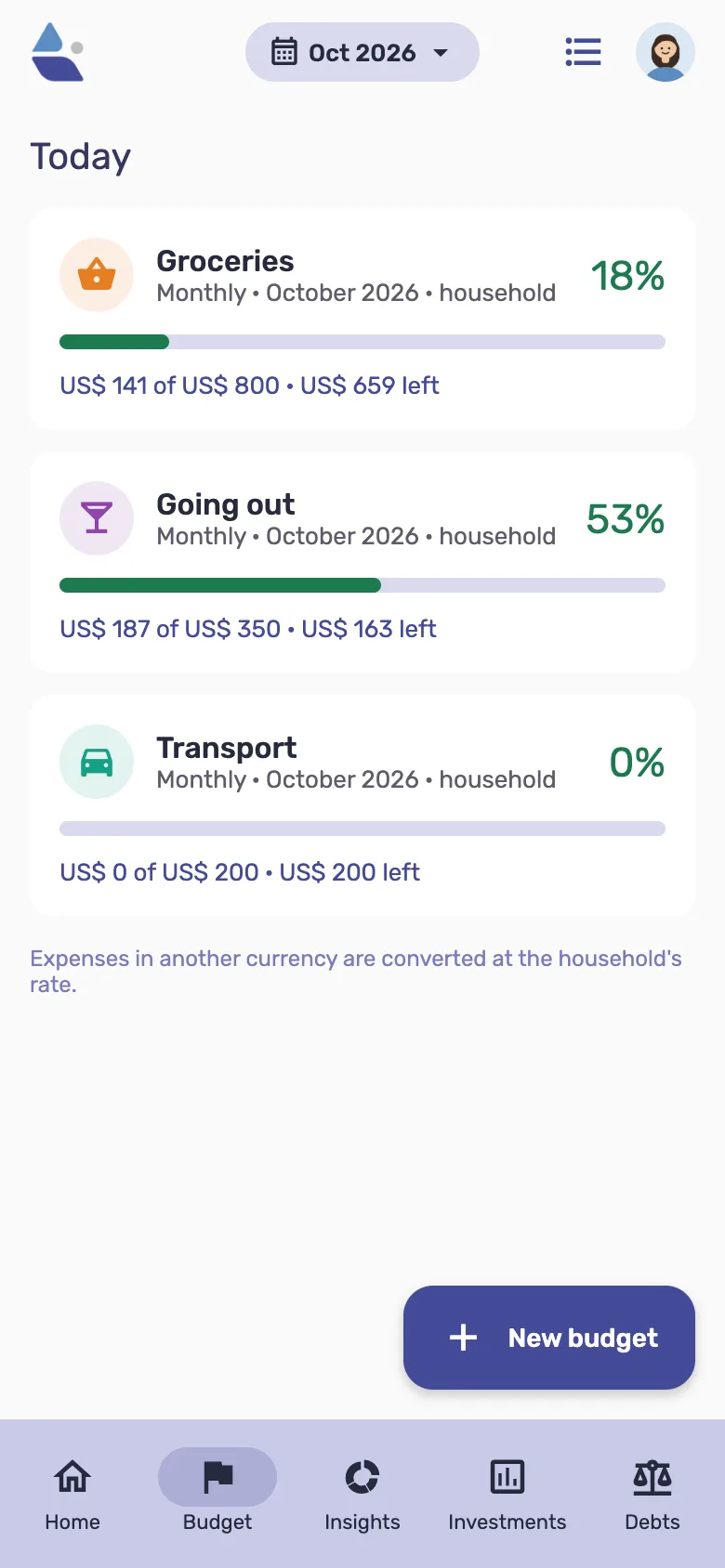
Everything about your household's money, in one app
Share expenses without spreadsheets or arguments
Each person records what they pay and Busimy works out each one's share: equally, by fixed amounts or by what each one earns. It tells you who owes whom, and you settle up with one tap, in any currency.
Each currency with its own balance, and the total when you want it
Any currency in the world and your own, like crypto. Exchanges are recorded at the real rate, and you can see the total in the currency you pick at today's rate.
AI entry
Type or say "groceries 42 with the Visa" and Busimy builds the entry. It also reads your credit card statement with its installments, a receipt photo or an invoice, and imports your investment portfolio from a PDF, a screenshot or a spreadsheet.
Budgets and metrics
By month, week, year or the dates you want, by category and subcategory. Metrics show where the money goes, month by month.
Credit cards and installments
Each purchase keeps its purchase date and counts as spending in the month you pay the card. See which installments you pay this month, which ones end, and how much is committed until when.
Investments, debts and net worth
Stocks, ETFs, crypto, fixed deposits, properties with rent: how much you put in, what it's worth and what it returned. Loans and mortgages with interest, and your net worth in the currency you pick.
AI does the boring part
Say it, snap a photo or upload a screenshot: Busimy turns it into entries with their category. And nothing is saved until you check it.
Say it
Type or say "groceries 42 bucks on the Visa" and it gets the amount, currency, category, card and date.
Receipt or invoice photo
It reads the final total, merchant, date and currency, and suggests the category from the merchant.
Bank activity screenshot
A screenshot of your bank’s activity becomes expenses and income with their category. What you already logged, and moves between your own accounts, come unticked.
Card statement
Every charge with its installments, fees and subscriptions, flagging what you already logged and whether it adds up.
Investment portfolio
From screenshots, a PDF or a spreadsheet: it recognizes each asset, fetches its market price and shows what changed.
Learns your categories
Change a merchant’s category once and Busimy remembers it, and offers to change the earlier ones too.
Getting started takes a minute
- Create your household. Pick your currency and, if you want, add others. On your own or with someone else.
- Invite who you share expenses with. Your partner, your roommates or your family. It's optional.
- Record and done. Busimy keeps balances, budgets and who owes whom, always up to date.
Frequently asked questions
- Does it work in my country and with my currency?
- Yes. Busimy works with any currency in the world and with your own, like a crypto. What only makes sense in Argentina only shows up if you're from there.
- Do I have to share it with someone?
- No. Busimy works perfectly for your personal finances. The shared household is optional and you can add it whenever you want.
- Does it convert everything into one currency?
- No. Each currency is shown on its own. If you want to see everything together, it shows the total in the currency you pick at today's rate, separately.
- Who can see my expenses?
- Your personal movements, only you. The household's, only that household's members. Nobody else.
- Is it free?
- Yes: every feature is free, with ads and some AI uses per month. The Plus plan, per household, adds unlimited AI and removes ads.
- Where do I use it?
- In the browser, on your computer or your phone. Your data is synced everywhere.
For every way of living together
As a couple
Split by what each one earns and stop keeping track of who paid what.
As a family
One income and several people spending, or each with their own: you choose whether it's split or not.
With roommates
Rent, utilities and groceries split equally or by fixed percentages.
On a trip or at a party
Events with people outside the household: each one records what they paid and you settle with few transfers.
Guides to get your money in order
- Split bill calculator: who owes whom
- Split expenses by income calculator
- Installments or cash? Calculator
- Compound interest calculator
- Couples finances: how to organize money between two
- Shared expenses app: home, roommates and trips
- How to track expenses in more than one currency
- How to split household expenses by income
- Splitwise alternatives (2026): 6 bill-splitting apps compared
- Household budget: how to make one step by step
- Roommates expenses: how to split rent, utilities and groceries
- Credit card installments: how much you pay each month and until when
- How to track your expenses: a simple method that sticks
- How to split travel expenses with friends
- How to keep track of your investments: shares, crypto, deposits and more
- How to track your Mercado Pago spending automatically
- How to split the costs of a barbecue, a birthday or an event
- Small daily expenses: what they are and how to spot them
- Emergency fund: how much to save and where to keep it
- The 50/30/20 rule: how to split your income
- The best bill-splitting apps (2026 comparison)
- Expense tracker apps: an honest comparison
- A finance app for couples: what to look for
- Joint or separate accounts? How couples organize money
- Free household budget template (for Excel and Google Sheets)
- Saving in a stronger currency: how to do it and keep track
- How to save money every month: a step-by-step method
- How to save as a couple and share goals
- Fixed and variable household expenses: a complete list
- Which exchange rate to use for your expenses and savings
- All the guides