 Busimy
How to track your expenses: a simple method that sticks
Tracking your expenses takes three habits: record each expense as it happens (it takes seconds), use few clear categories, and look once a week at where the money went. What makes it stick is that recording is fast: by voice, with a receipt photo or by reading your card statement.
Why most people give up
Almost everyone starts a spreadsheet with enthusiasm and drops it after two weeks. It isn't lack of willpower: recording is slow, there are too many categories and it's not quickly clear what it's for.
What to record
- Everything that goes out: coffee and snacks too. Small expenses added up are often surprising.
- What you paid with: cash, debit or which card.
- What comes in: salary and other income, to see how much you save.
Few, clear categories
Eight or ten categories are enough: food, home, utilities, transport, health, education, outings, shopping, other. For more detail, subcategories (food → groceries, delivery).
Look once a week
Five minutes a week: how much you've spent, in which categories, and whether you're above or below a normal month. That's enough to make better decisions.
Make recording take seconds
- Say it: "groceries 42 with the Visa".
- Take a photo of the receipt or upload the invoice.
- Upload the card statement so all purchases come in at once.
- Let the app learn the categories of the shops you already used.
How Busimy does it
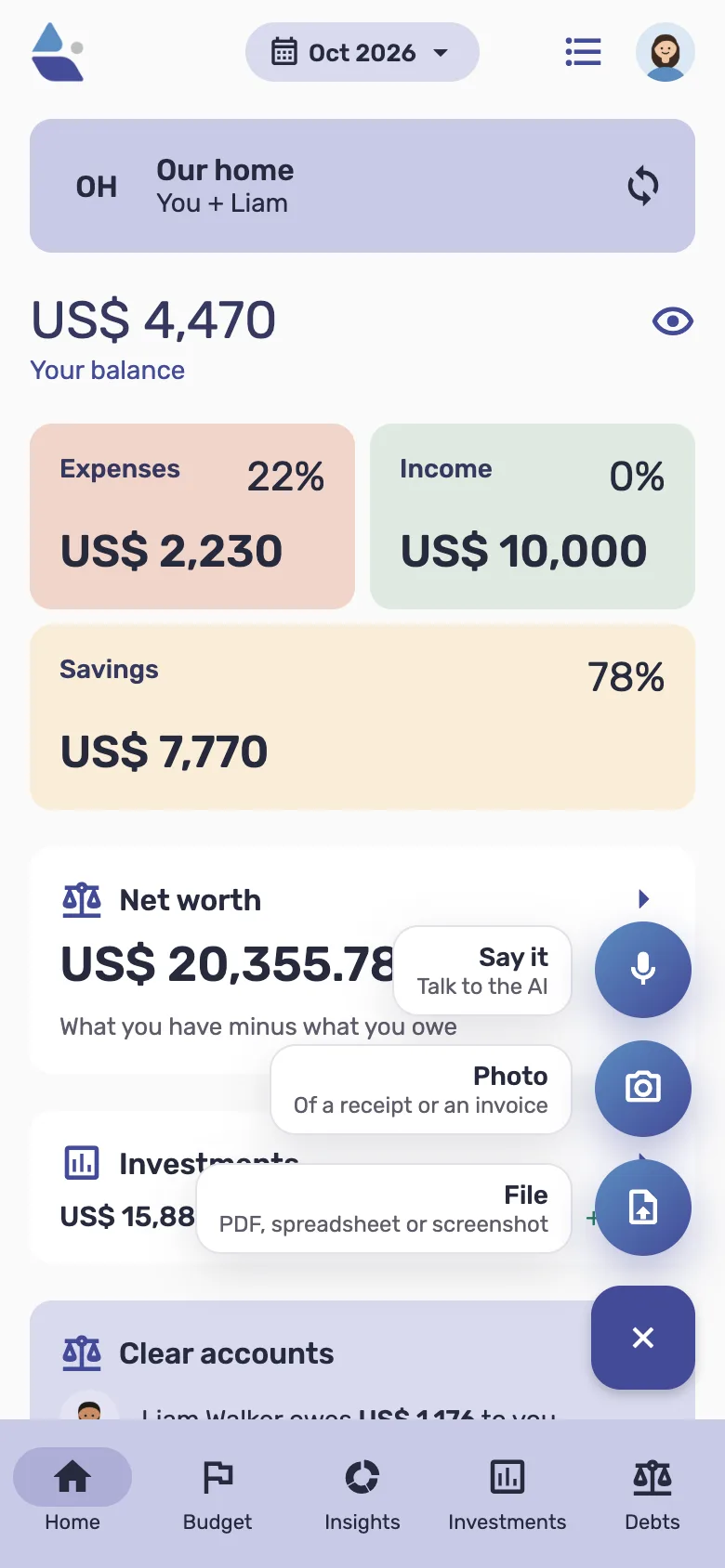
Busimy is built so recording is as fast as possible: say the expense, take a photo of the receipt or upload the card statement, and AI builds the entry with its category. It learns the categories you correct. Metrics shows where the money goes and how this month is going.
Which method to choose
| Method | Pros | Cons |
|---|---|---|
| Notebook or notes | Simple, nothing to install | Doesn't add up by itself, easy to drop |
| Spreadsheet | Flexible, custom charts | Needs upkeep; awkward on a phone |
| Bank statement | Nothing to record | Misses cash and shared costs, and it's late |
| App | Seconds to record, adds up by itself | You have to pick one and get used to it |
Categories: few and clear
8 to 12 categories are enough: housing, utilities, groceries, transport, health, going out, shopping, subscriptions, education and other. More than that slows you down and scatters the totals. If "other" keeps growing, a category is missing.
The first month: what to expect
The first month nearly always surprises: what you thought you spent and what you spend don't match, and the small categories add up to more than expected. Don't change anything yet: the first month is just for seeing.
Frequently asked questions
- What is the best expense tracker app?
- The one you use every day. Look for fast entry, phone and computer, and seeing where the money goes without extra work.
- Is a spreadsheet better?
- A spreadsheet gives full control but is hard to keep up. An app records faster and makes the charts for you.