 Busimy
The best bill-splitting apps (2026 comparison)
The most used bill-splitting apps are Splitwise, Tricount, Settle Up, Splid and Busimy. For a trip, a free app with no expense cap like Tricount is enough; for a household with personal and shared expenses, pick one that also runs your finances, like Busimy.
What to check before choosing
- Whether the free plan caps expenses per day.
- Whether everyone needs an account or a link is enough.
- How it splits: equal, amounts, percentages, by income.
- Whether it handles several currencies without mixing them.
- Whether it is only for the group or also for your own spending.
The apps, compared
| App | Price | Best for | Watch out for |
|---|---|---|---|
| Splitwise | Free with a daily cap; paid Pro | Groups already using it | The free plan's daily expense cap |
| Tricount | Free | Trips and events | Only splits expenses |
| Settle Up | Free with a paid tier | Long-term groups | Features in the paid tier |
| Splid | Free with a paid tier | Groups without accounts (with a code) | Limited free groups |
| Busimy | Free with ads; optional Plus | Home, couples, several currencies | Built for everyday money |
For a trip or a night out
For something one-off, simplest wins: a free app where everyone adds what they paid and it tells you who pays whom. Tricount and Splid do that well, and for a quick sum without installing anything there is the split bill calculator.
For your home or your partner
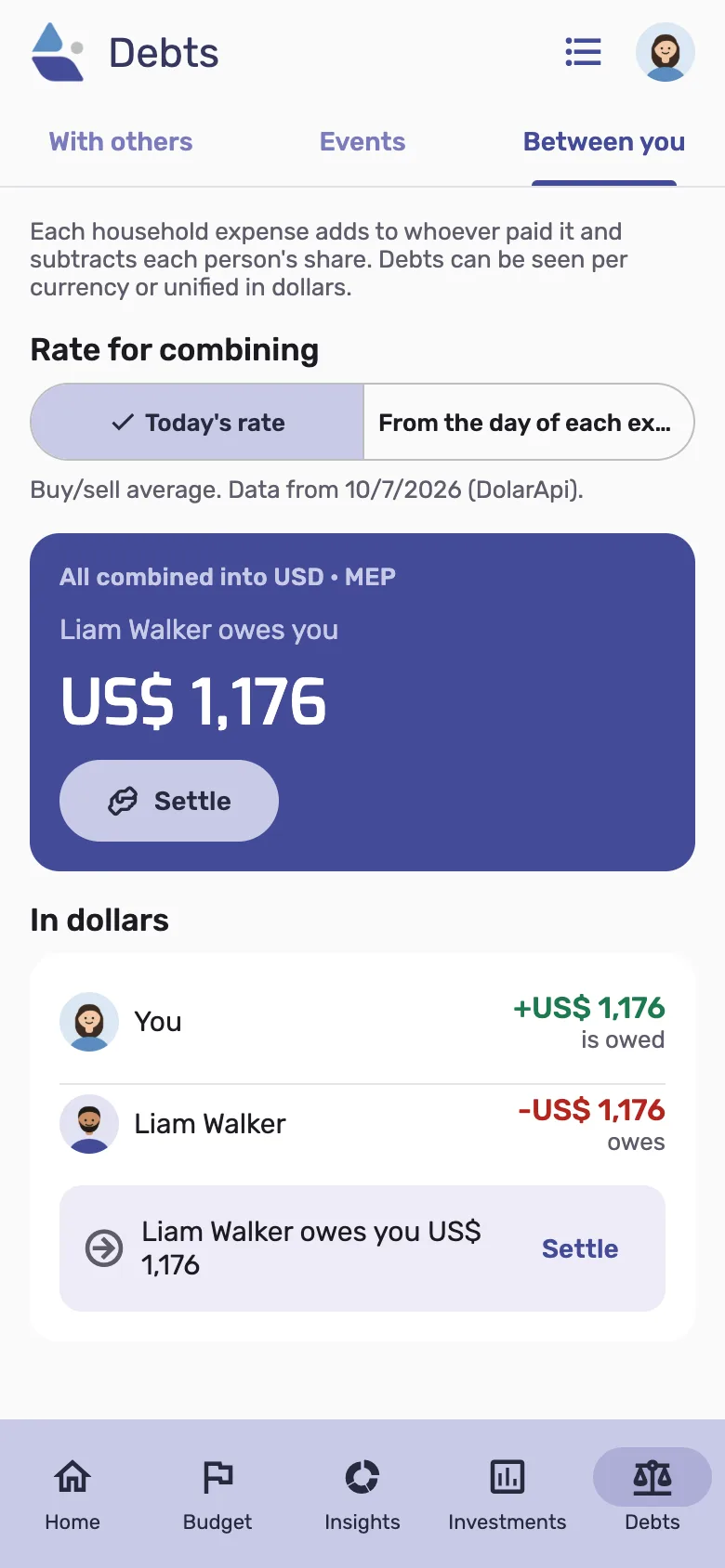
At home expenses never end and mix with personal ones: groceries are shared, your clothes are yours. Pick an app that keeps personal apart from shared, splits by income if you agreed so, and keeps each currency separate if you earn or save in another one. That's what Busimy is built for.
Frequently asked questions
- What is the best free bill-splitting app?
- For trips, Tricount: free with no expense cap. For your home, Busimy: free, no expense cap, and your personal finances too.
- Do I need to install anything?
- Depends on the app. Busimy works in the phone browser and can be added to the home screen.